Problem 9 of 10
Quick updates on the phone, no laptop work in the evening
Do your field reps love using the Salesforce mobile app?
The phone should brief reps before every meeting and capture notes after it.
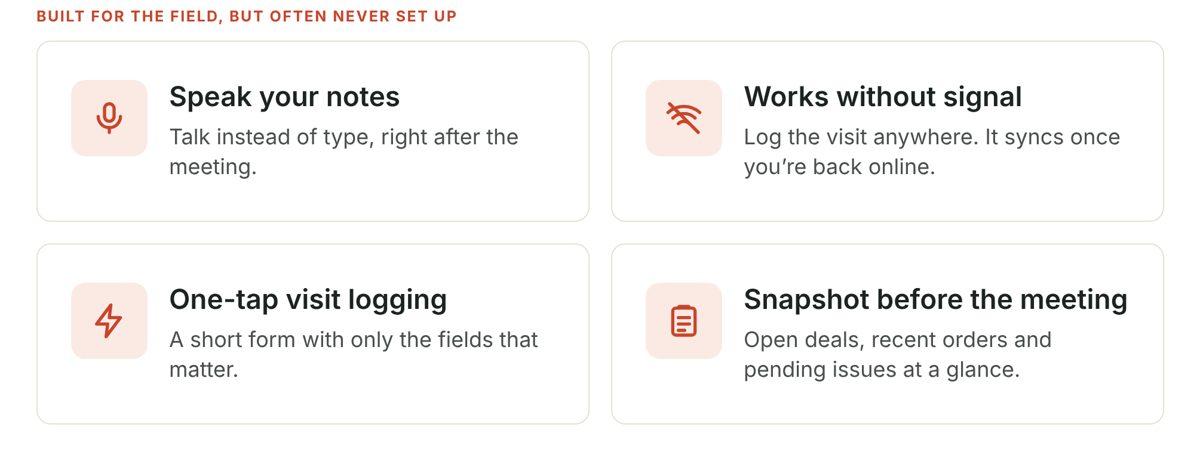
A field rep finishes a customer visit, gets back in the car and drives to the next one. They mean to update Salesforce, but the mobile app shows a page built for a desktop screen. So they try to remember the details and type them up on a laptop in the evening. By then half the detail is gone, and the evening goes to clerical work instead of rest.
Sound familiar?
- Visit notes are typed up in the evening on a laptop.
- The mobile app shows desktop-size pages.
- Visit updates arrive days after the visit.
Next in this section: why it happens, the short-term and long-term fix, the recurring effort, and how the build works…
Keep reading: get the full guide by email
The rest of this section, and all 10 sections, arrive as one PDF in your inbox.
In the free guide, for this problem
- The mobile features most companies never switch on
- How to make logging a visit take seconds
- How reps keep working where the signal is weak
- How you'll know field reps have moved to mobile
Plus the other 9 problems. 25 pages, free, by email.
Salesforce is a trademark of Salesforce, Inc. The guide is independent and is not endorsed by Salesforce.